
What does the basic configuration allow?
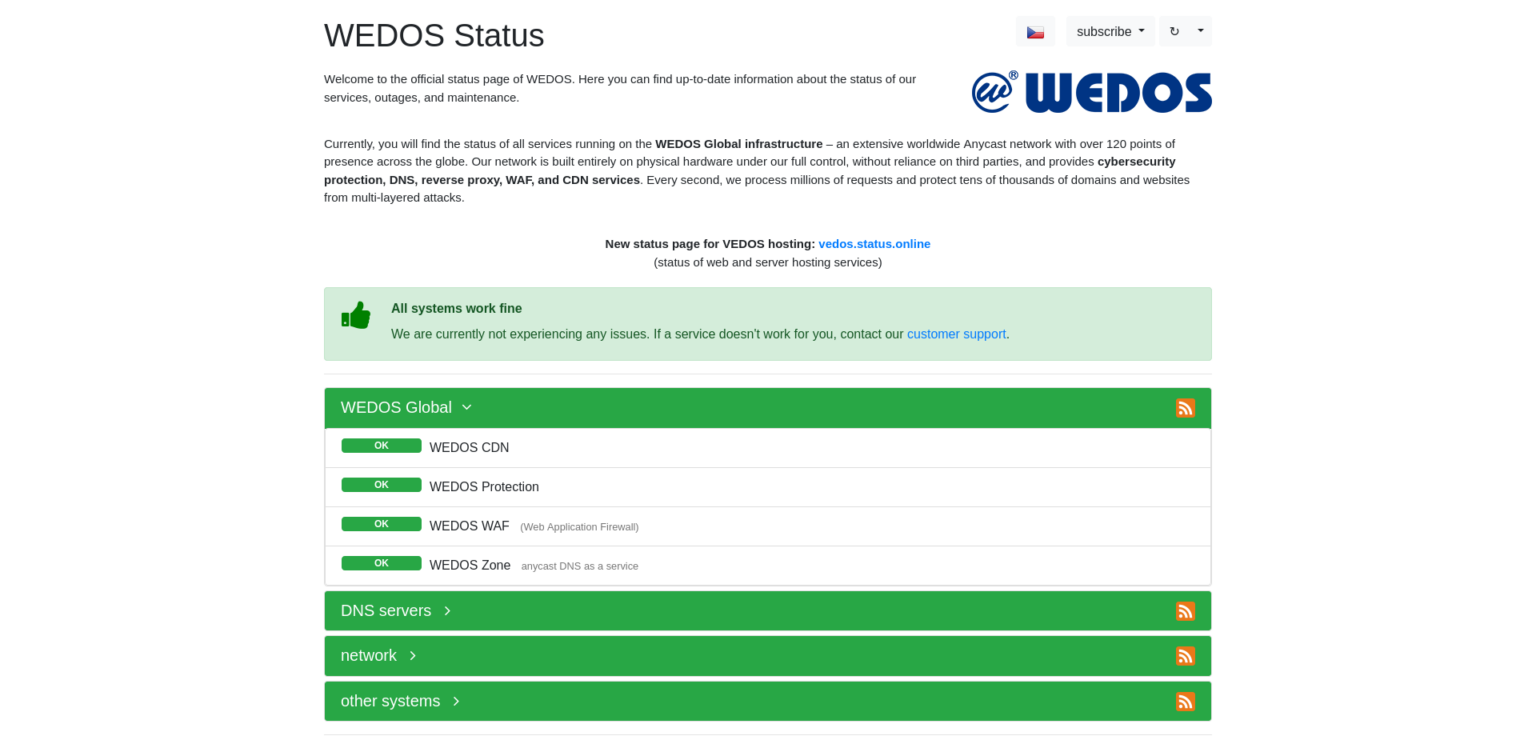
The basic status page configuration is used to customize how information about the status of your services is presented to customers or internal users. This configuration allows you to define which data will be visible, how it will be displayed, and how changes and incidents will be published automatically.
What do the individual items mean and why are they important?
1. Name
- What it means: The name of the status page (e.g., “Service Status”).
- Why it is important: It helps identify the page and gives users a clear understanding of its purpose.
2. Default language
- What it means: The primary language in which information will be displayed on the page.
- Why it is important: It adapts the status page to the target audience.
3. URL type and URL path
- What it means: The structure and address where the status page will be available (e.g.,
example.com/status). - Why it is important: Ensures easy and direct access to the page.
4. Automatically publish changes
- What it means: Changes in service status will be published automatically on the page.
- Why it is important: Enables immediate customer notification without manual intervention.
Main settings for the status page
1. Display overall status on the status page
- What it means: Displays a summary status of all monitored services.
- Why it is important: Provides users with a quick overview of current availability.
2. Display services and groups on the status page
- What it means: Shows details of individual monitored services and their groups.
- Why it is important: Allows transparent presentation of specific service information.
3. Display incident history
- What it means: Displays an overview of past outages and maintenance events.
- Why it is important: Helps users understand how issues were handled.
4. Display date and time of the last change
- What it means: Information about the most recent update to the status page.
- Why it is important: Ensures users can see that the information is up to date.
5. Disable search engine indexing
- What it means: Prevents search engines such as Google from indexing the page.
- Why it is important: Protects sensitive information from being publicly indexed.
Subscription settings (RSS, JSON)
1. Resolved incident / Completed maintenance
- What it means: Defines the period after which incidents and maintenance events are considered resolved.
- Why it is important: Keeps the page clear and up to date.
2. Enable subscription with all incidents
- What it means: Allows subscribers to receive notifications about all incidents.
- Why it is important: Provides full transparency and awareness.
3. Enable subscription with incidents for groups
- What it means: Notifications will be available for specific service groups.
- Why it is important: Ensures users receive only relevant information.
Why is it important to configure the status page correctly?
The status page is a key tool for transparent communication with customers and users. Proper configuration ensures:
- Quick and easy access to important information.
- Greater customer trust through transparency.
- Efficient management of notifications and incidents.